School Edition Coming soon
Every student in your class is an author.
Turn your Chromebook class into a room full of authors.
We're building a classroom edition of My Story for Chromebooks and any browser. Students write, illustrate and narrate their own picture books, and you guide it all from one teacher dashboard. Join the waitlist for early access, and help us decide what comes first.
For teachers, librarians, coaches and school leaders · Takes about a minute
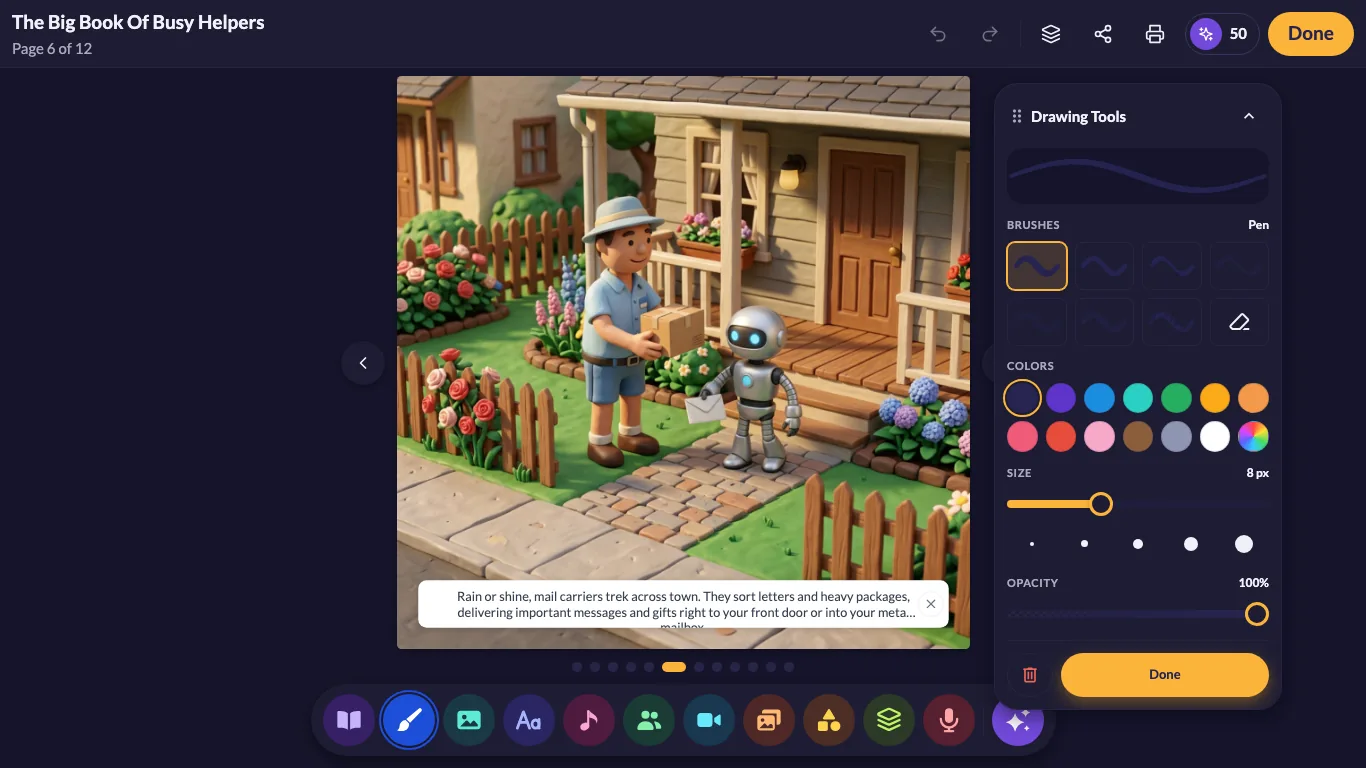
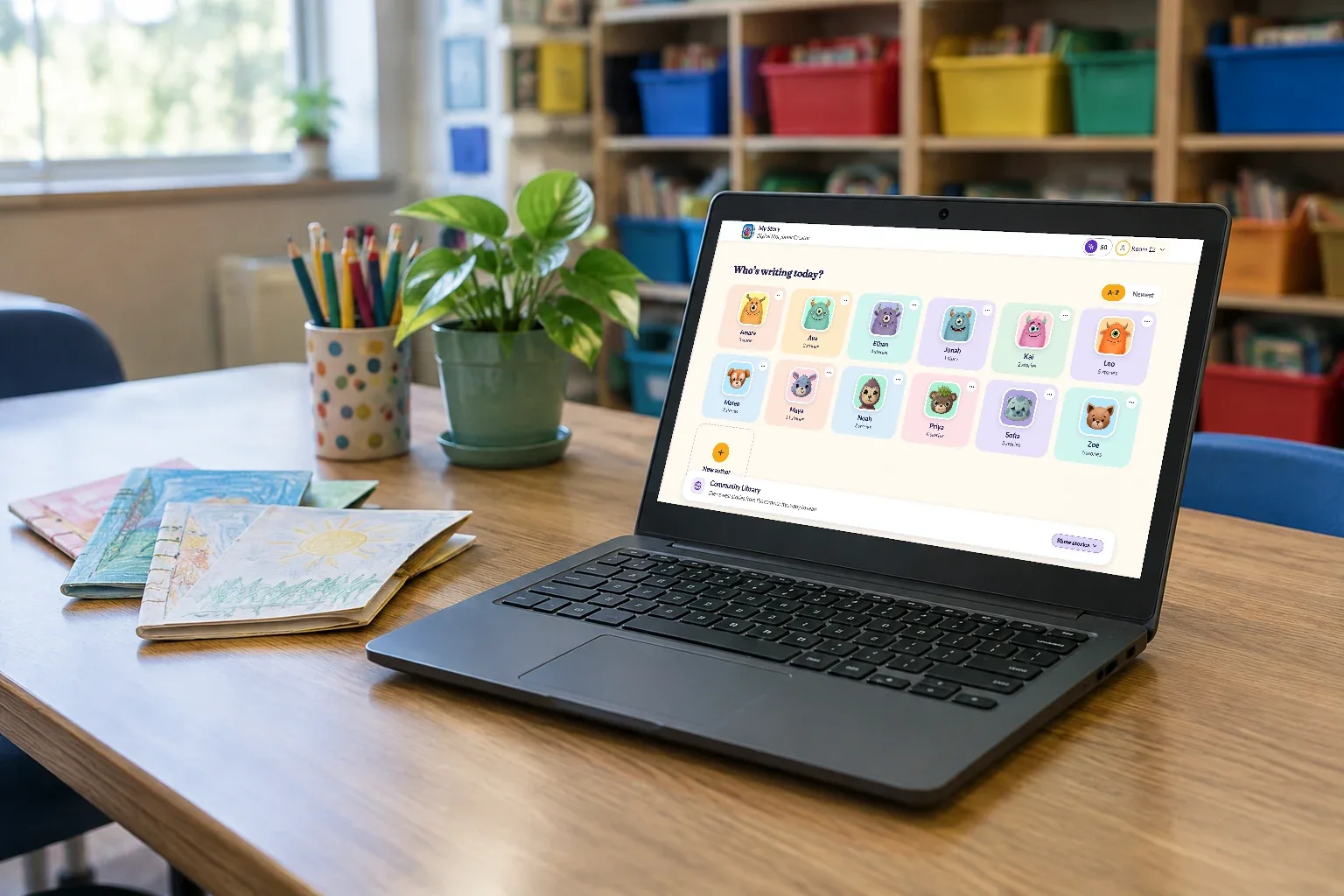
The real My Story editor, running in a Chromebook's browser.
What we're building
A storybook studio for the whole class
Some of this works today in the free web app, and the cards marked Coming soon arrive with the School Edition. You can try the free version with your class now and tell us what you need.
Made for Chromebooks
Runs in the browser on Chromebooks, Macs and PCs. Nothing to install, and it works on shared carts.
Rosters without the busywork Coming soon
Set up classes with a class code, Google Classroom or Clever.
One teacher dashboard Coming soon
Assign a prompt, see who's stuck, and review every book before it's shared.
Every student an author
Drawing, writing and narration in their own voice, with hundreds of characters to spark ideas.
Publish for real
Families can order printed copies of any book today. Printed class anthologies are coming with the School Edition.
Student privacy first
There are no ads. Student work is never sold, used for advertising or used to train AI.
Reading & writing
Say it out loud, then write it down
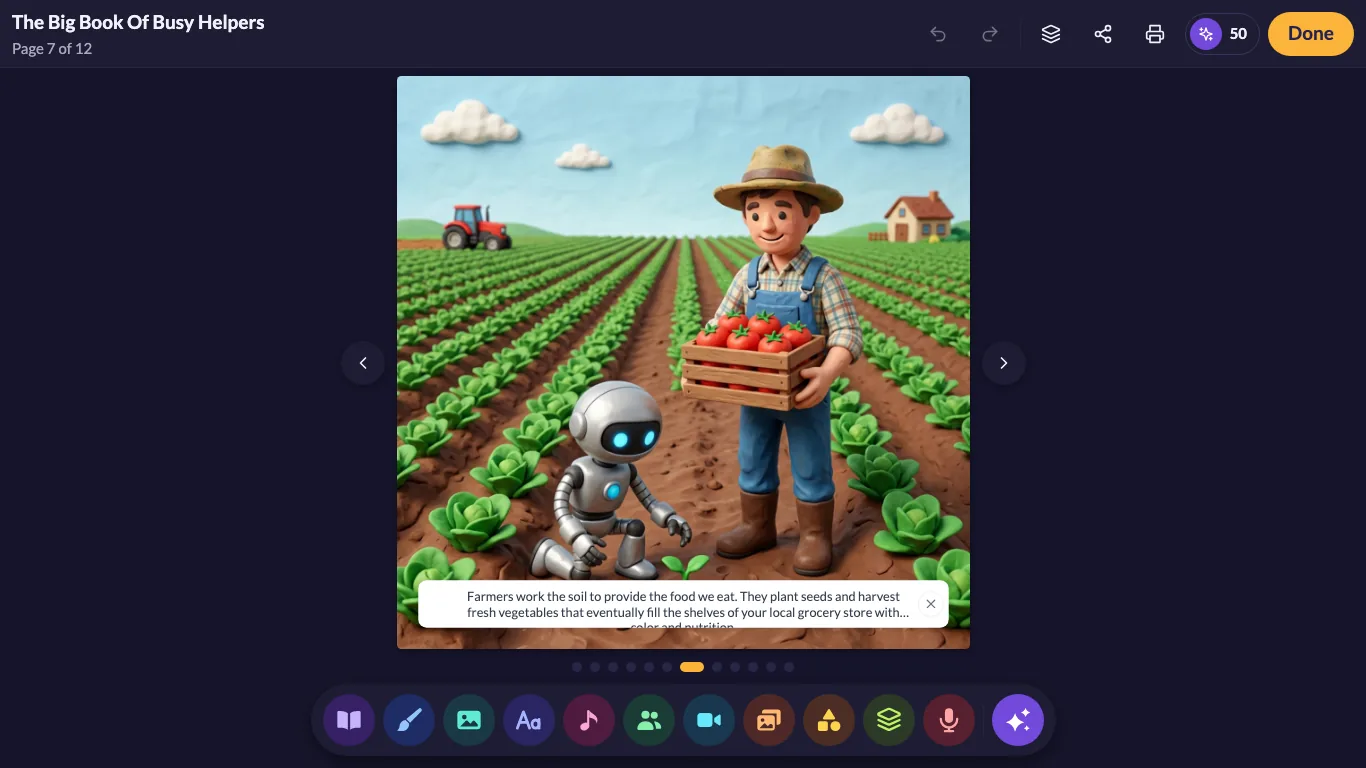
Students who stall on a blank page can tell their story first. They record each page in their own voice, listen back, and revise. It's fluency practice they actually want to do.
- Narration on every pageHeadsets and Chromebook mics are all it takes.
- Writing with a purposeA printed book they wrote is a reason to finish the draft.
- Room for every levelPre-writers draw and narrate, and confident writers take on longer stories.
How it will work Coming soon
From class code to class book
Set up the class
Import your roster from Google Classroom or Clever (planned), or share a class code.
Assign a prompt
Start from a blank page or a story starter for your unit, one class or many.
Students create
On Chromebooks, students write, draw and narrate their own picture books.
Publish & celebrate
Review, share with families, and print a class anthology for the shelf.
Plans
Simple, per-teacher pricing
One subscription, billed online, monthly or yearly. No per-device app purchases to manage. Pricing isn't final yet, and waitlist members hear first.
Teacher
For one classroom
- Your whole classEvery student gets their own author shelf.
- Teacher dashboardAssign, review and publish.
- Pay by cardStart without waiting on a district order.
Site license
Priced per teacher, for a school or district
- Every teacher in the buildingOne license, one invoice.
- Rostering & single sign-onGoogle Classroom and Clever (planned).
- Admin controlsManage teachers, classes and data in one place.
What educators say
Over a decade of classroom authors
The user interface is intuitive and kid-friendly. Most children can begin using the My Story app with very little instruction. Students can draw, take pictures, add text, even narrate their own story! A must have app for the classroom.
I have been using My Story with my students for almost two years now and we love it!!! It is so much fun and easy to use and parents love it as well!!!!
Early access
Help us build it for your classroom
Tell us a little about your school, then create your free account and try My Story with your class today. Waitlist members get first access to the School Edition and help decide what ships first.
- Early accessWe'll invite waitlist classrooms first.
- Shape the roadmapRostering, printing, dashboards: you tell us what matters.
- Start free todayYour free account works on Chromebooks now.
Step 2 of 2
You're on the list! Now try it with your class.
Create your free account to start making books with your class today.
Create your free accountTakes about a minute, and it's free.
Questions
Questions from educators
When will the School Edition be ready?
We're building it now and inviting waitlist classrooms first. Join the list and we'll tell you as soon as early access opens.
What will it cost?
It will be a subscription priced per teacher, billed monthly or yearly, with site licenses for schools and districts. We'll share final pricing with the waitlist first.
Does it work on Chromebooks?
Yes. The School Edition is built for the web first, so it runs on Chromebooks and in any modern browser with nothing to install.
What about iPads?
Our iPad app is part of the plan, so classrooms with iPads, or a mix of devices, can join the same class. Tell us what your students use when you join the waitlist.
Will it work with Google Classroom or Clever?
Both are on our roadmap for rostering and sign-in. Tick the ones you use on the waitlist form so we know where to start.
Can I use My Story with my class today?
Yes. The free version of My Story runs in any browser. A teacher creates the account, and each student can have their own author profile inside it. Start free.
How do you protect student data?
There are no ads. Student work is never sold, never used for advertising and never used to train AI, and schools can ask us to delete their data. Read our privacy policy and how we keep kids safe.
Every student deserves to see their name on a book.
Join the School Edition waitlist and help us build the classroom version of My Story.