My Story on the web
Make books in any browser.
My Story runs in any browser on a Chromebook, Mac or PC, with nothing to install. A grown-up sets up a free account, and then kids can start writing and drawing.
Free to start · Also on iPad and iPhone
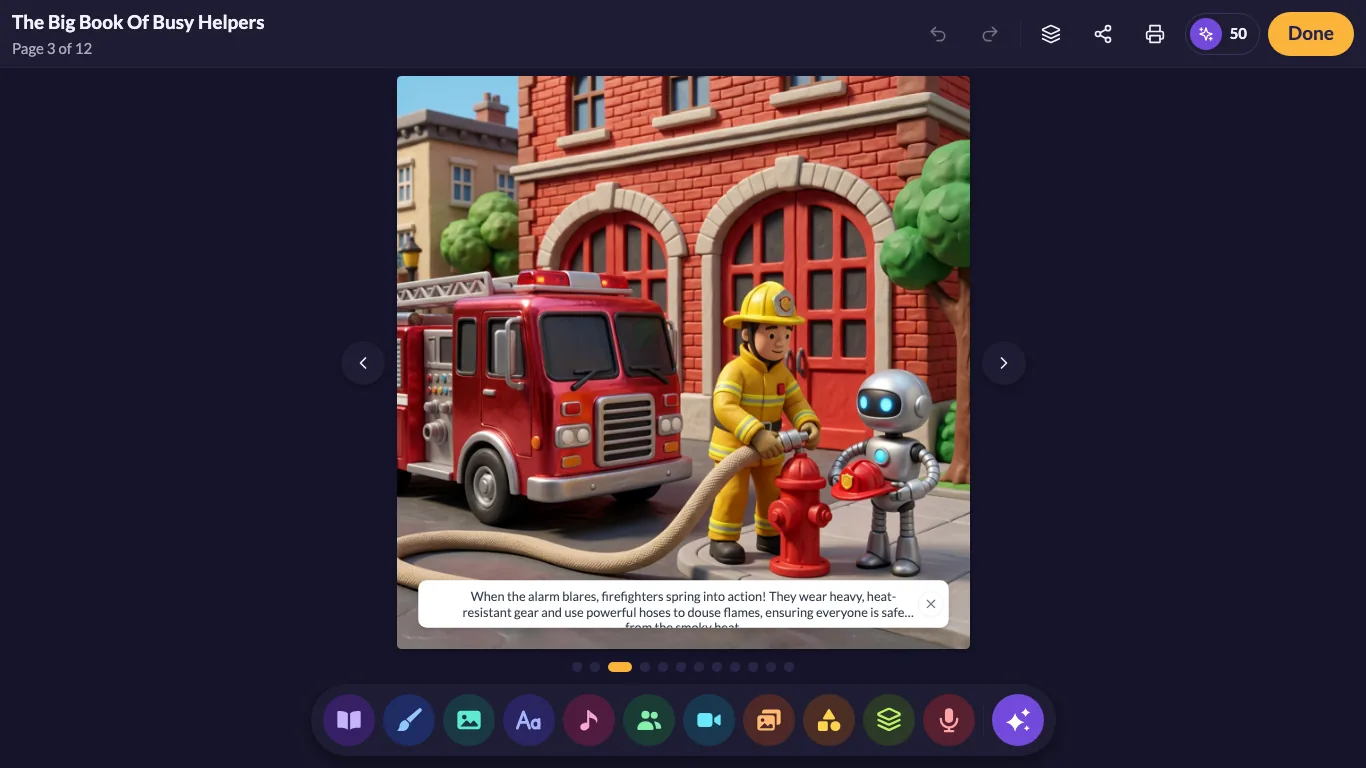
Why the web
The easiest way to begin
No downloads
Create a free account in your browser and start a book. There's no app to install or update.
Chromebook, Mac or PC
If it has a modern browser, it can make books. That includes the Chromebooks many classrooms already have.
Saved to your account
Books you make on the web are saved to your account, so they're waiting on any computer you sign in on.
Draw
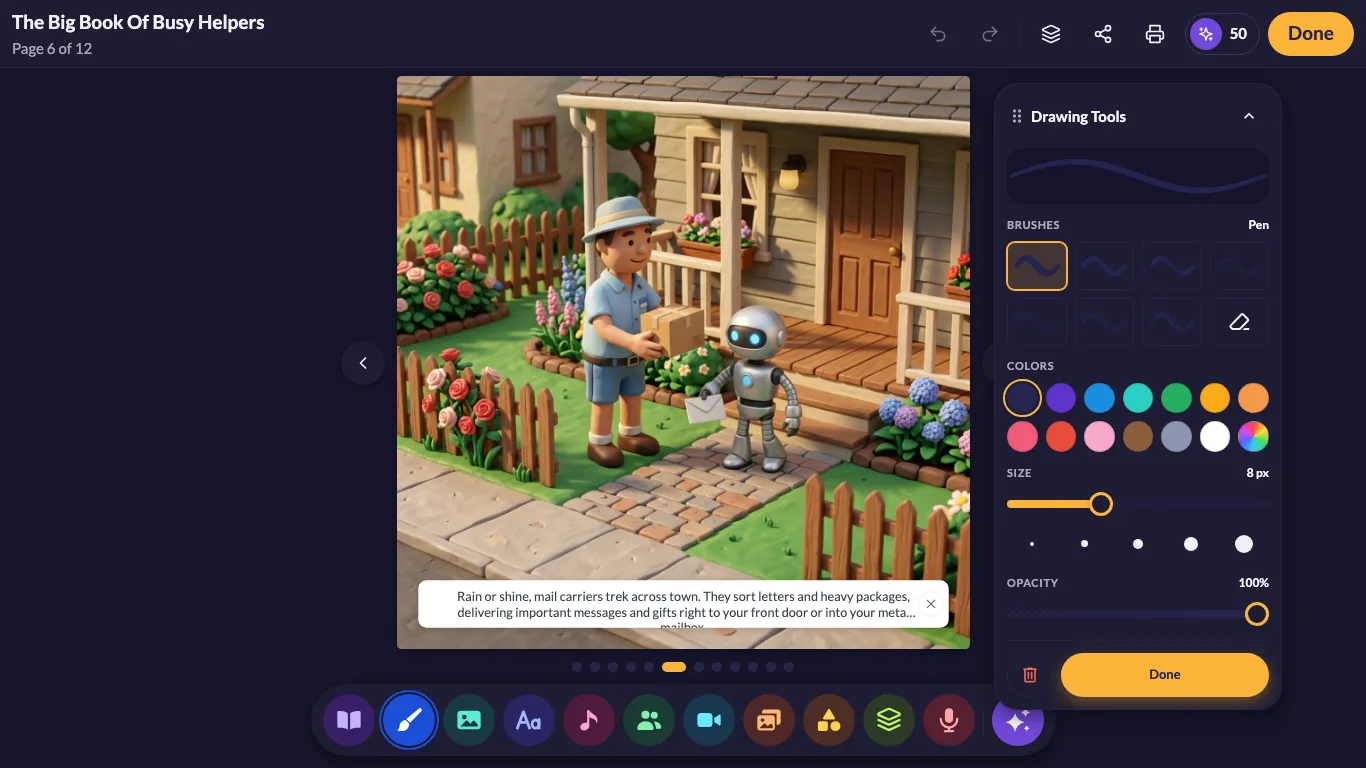
Drawing tools made for small hands
Pick a brush, a color and a size, then draw right on the page. Mistakes are easy to undo, so kids keep experimenting.
- Brushes, colors and sizesA simple panel with everything in one place.
- Mouse or touchscreenDraw with a mouse, or with a finger on a touchscreen Chromebook.
- Size and opacityFine-tune how thick and how bold every stroke is.
Write & narrate
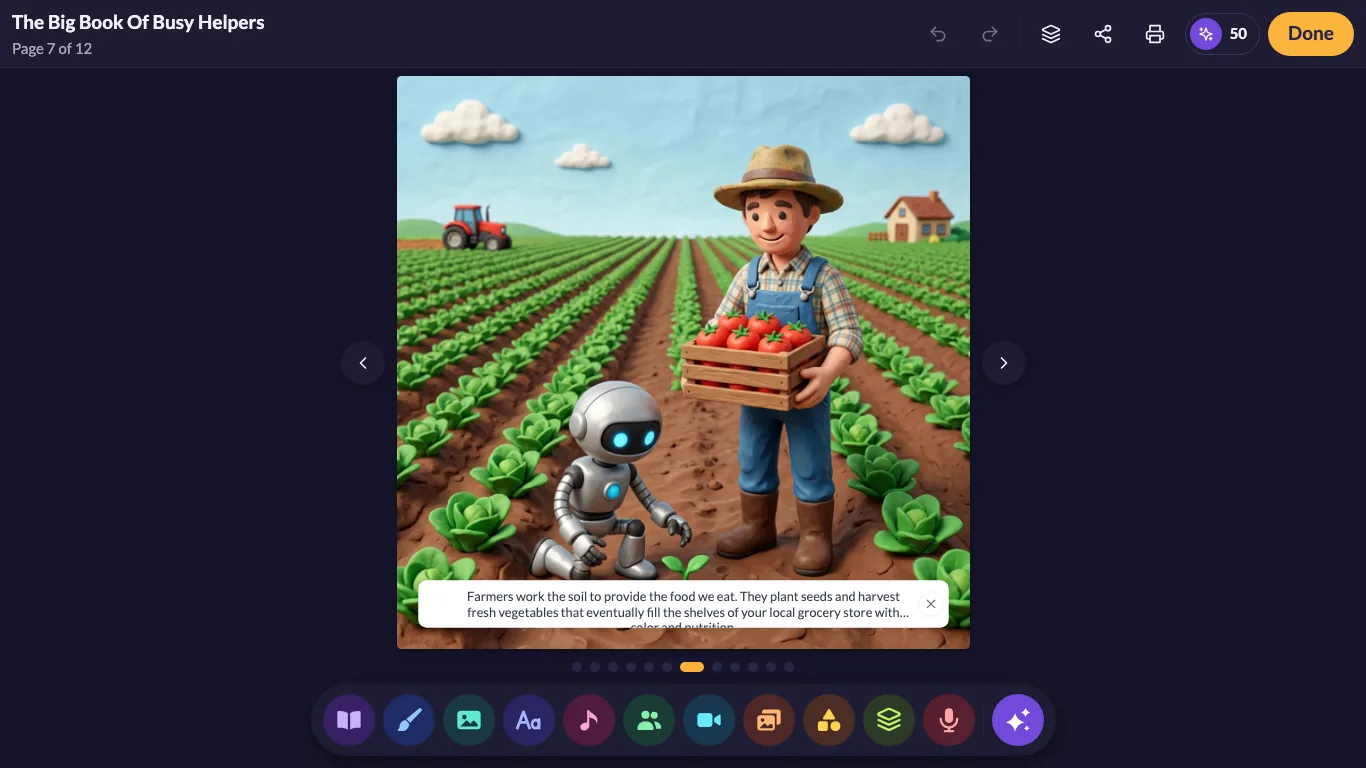
Every page tells it
The page editor puts the picture and the words side by side. Along the bottom, drawing, pictures, text, music, characters and voice recording are one tap away.
- Story text on every pageType it in, or let a grown-up help write while they tell it.
- Record their own voiceUse the microphone to read each page aloud.
- Hundreds of characters and backgroundsStart a scene fast, then make it their own.
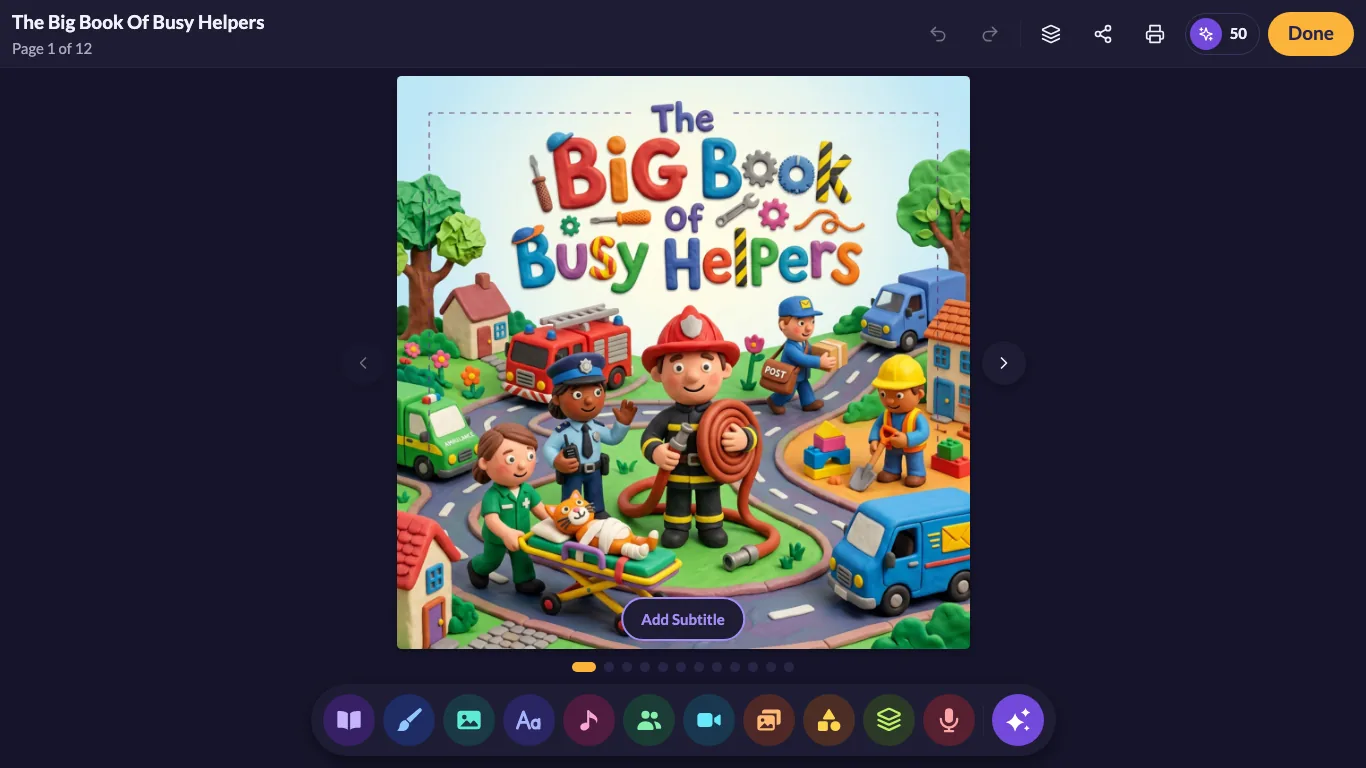
The Big Book of Busy Helpers is a My Story Original, shown in the editor.
Publish
From a cover to a real book
Every book has a cover and a title. When it's ready, share it with family or order a printed copy, right from the same screen.
- Share itSend a finished book to grandparents and friends.
- Print itOrder a real picture book with every page previewed first. How printing works.
What you need
Just the basics
If you have these, you're ready to write a book.
A modern browser
An up-to-date browser on a Chromebook, Mac or PC.
A mouse or touchscreen
Either one works for drawing and tapping.
A microphone
Only needed to record narration. Your browser will ask permission first.
An internet connection
Your account and books are saved online, so you can pick them up on any device.
For classrooms
Great on Chromebooks
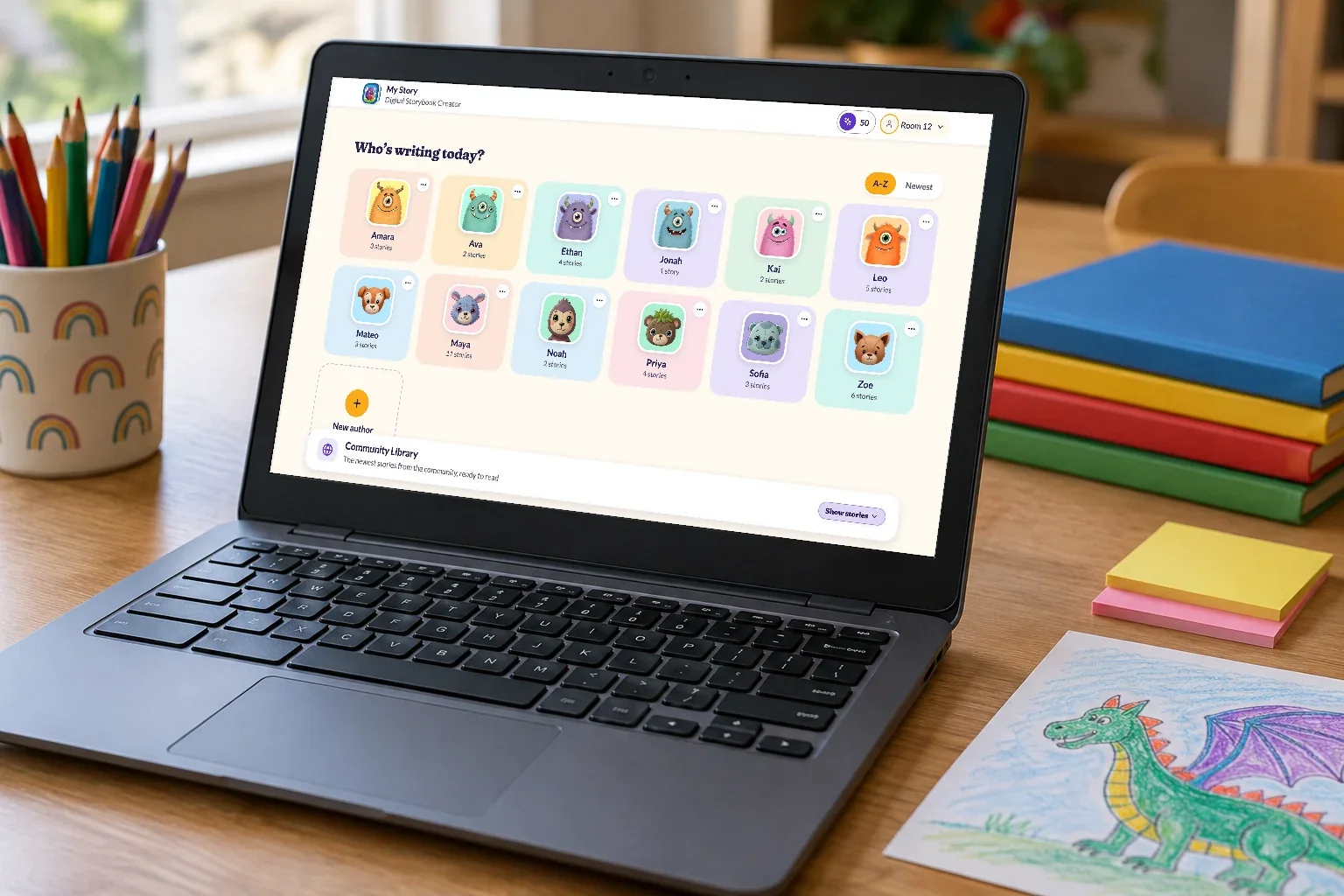
Because My Story runs in the browser, it's a natural fit for classrooms with Chromebooks and shared computers. A School Edition with a teacher dashboard, class rosters and per-teacher plans is on the way.
- No installs to manageStudents open the site and get to work.
- Mixed devices?The iPad app will be able to join the same classes. What we're building.
Start in three steps
Create a free account
A grown-up sets it up and adds an author for each child.
Make your first book
Pick a character, draw a page, add a few words and record a voice.
Share it or print it
Send it to family, or order a real printed copy.
Questions
Questions about the web version
Do I need to install anything?
No. My Story runs in your browser. Just create a free account and start a book.
Does it work on a Chromebook?
Yes. Any modern browser on a Chromebook, Mac or PC works, whether you use a mouse or a touchscreen.
Is it free?
Yes. Making and sharing books is free, with no ads. Optional extras like Story Sparks and printed books cost extra and are bought by a grown-up.
Will my books show up on the iPad and iPhone apps?
Yes. Sign in to the same My Story account in the free iPad or iPhone app, and your books stay in sync. Get the iPad & iPhone apps.
Can teachers use the web version in class?
Yes, teachers can use the free version today, with an author profile for each student. A School Edition with a teacher dashboard is coming. Join the waitlist and we'll tell you when it's ready.